
At a glance
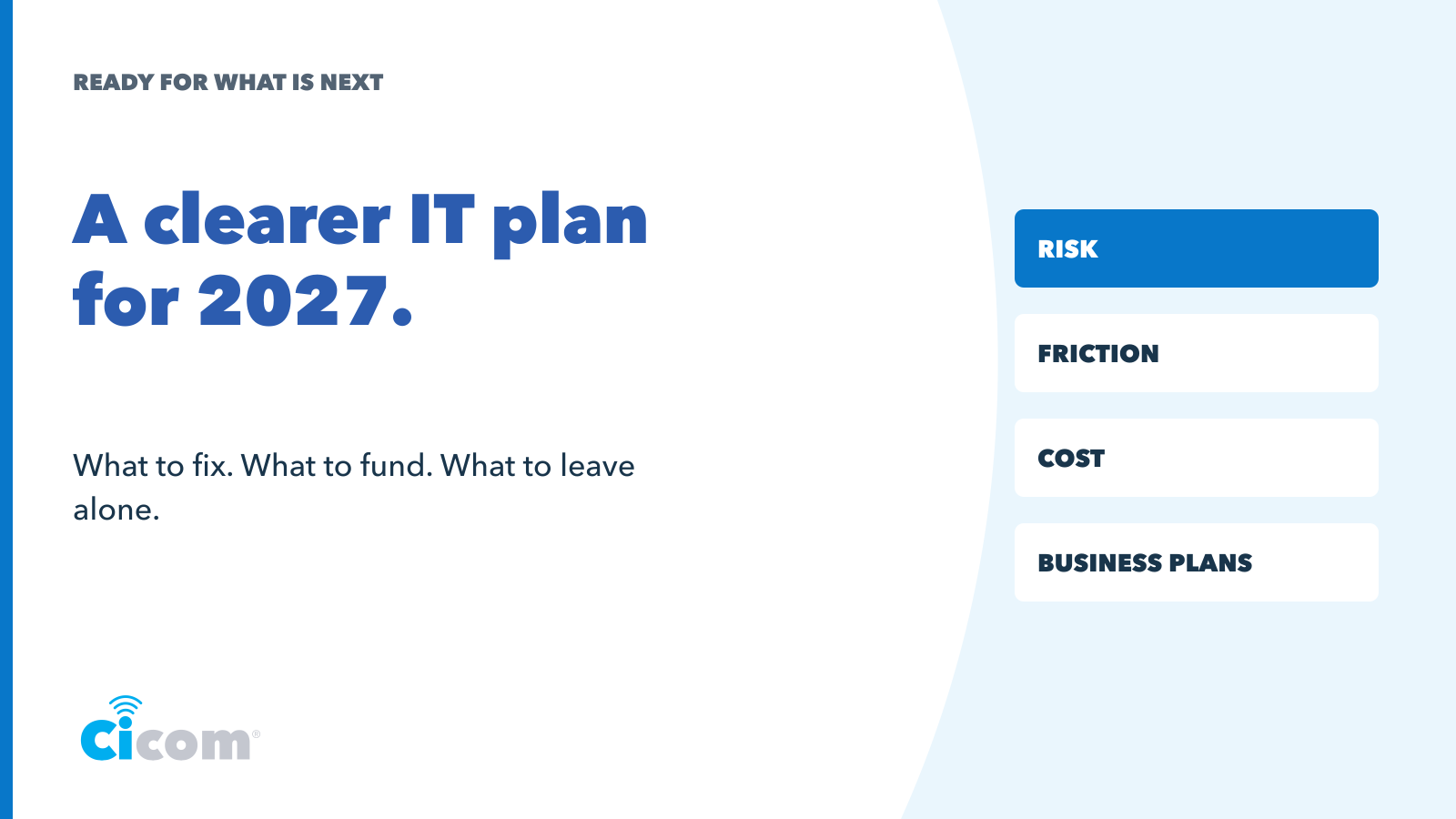
Set IT priorities by asking what is at risk, what slows people down, what costs more than it returns and what the business plans to do next. Choose three actions with clear outcomes, owners, timing and costs. Keep supported, secure systems that still do their job, and review the plan as the business changes.
A simple way to decide what to fix fund and leave alone
There is always something an IT setup could do better. That does not mean every suggestion belongs in next year’s budget. A useful plan starts with the business and the few changes that will make a difference to its work.
Bring the owner, the person managing daily operations and your IT lead or provider into the same conversation. You will hear different problems, and that is helpful. Work through four questions before asking for a list of upgrades.
1 What is at risk
Look for systems that could interrupt work, expose information or leave the business unable to recover. Ask about unsupported devices, access controls, overdue updates and recovery tests. Check who owns each issue and what happens if it is left unresolved.
Our Essential Eight guide helps frame the security conversation. Use the Australian Government’s risk management guidance to weigh likelihood and business impact rather than sorting the list by the age of the equipment alone.
Review cyber security, backup and recovery and any unanswered insurance renewal questions. Choose a sensible response to each risk, including the controls and review date for anything the business accepts temporarily.
2 What is slowing people down
Ask staff about the workarounds they use every week. Where is information entered twice? Which device causes delays? What takes three separate calls to resolve? Look for a recurring problem that affects a meaningful part of the team.
Measure the current situation before choosing a fix. A simple record of incidents, time spent or duplicated steps is more useful than a general statement that the system is frustrating. Managed IT support should help distinguish a one-off fault from a problem that needs a different approach.
3 What is costing more than it returns
Review subscriptions, support, equipment and the staff effort needed to work around problems. Identify unused licences and overlapping tools, then check dependencies before cancelling anything. A licence that looks idle may support an integration or a shared process.
Our earlier article on reviewing your IT stack explains why a setup can keep working while drifting away from the business’s needs. Keep essential protection and recovery in view when considering savings. The cheapest invoice is not always the most useful outcome.
4 What does the business plan to do next
List the changes already expected in 2027: new staff, a second location, a new service, different customer requirements or a process the team wants to simplify. Ask which technology decisions must happen first and how much lead time they need.
The Australian Government’s digital strategy guidance connects technology choices to goals, resources and responsibility. If a site is changing, include its connectivity and the needs of people working beyond the office.
Turn the answers into three priorities
Choose three actions you can explain in business terms. Start with material risks, then the changes needed for confirmed business plans, then the recurring friction worth resolving. If a mandatory obligation needs attention, it takes precedence over an optional improvement.
For each action, write down the intended result, responsible person, timing, budget range and how you will know it worked. That makes the plan easier to approve and gives the provider a clear brief.
- Example priority: test recovery of the booking system. Outcome: confirm the recovery process against the business’s required time. Owner: operations manager with the IT provider. Timing: before the next review.
- Example priority: improve access at the new site. Outcome: staff can use approved systems where work happens. Owner: site lead with the provider. Timing: before opening.
- Example priority: review licences and duplicated tools. Outcome: a supported, secure setup with clearer recurring costs. Owner: finance lead with internal IT. Timing: before relevant renewals.
These are planning examples, not recommendations for every business. IT governance and advice can help turn your own answers into a practical sequence.
Budget for the whole change
Separate one-off project costs from ongoing costs. Include implementation, staff training, temporary overlap, support and replacement cycles. Ask what the estimate assumes and what could change it.
The business.gov.au budget template can help organise the wider financial plan. Use quotes for the specific work rather than treating a general price range as a commitment. Your continuity plan should also influence where recovery and resilience sit in the budget.
Leave working systems alone with a reason
A supported, secure system that fits the business may need routine maintenance rather than replacement. Record why it stays and when it will be reviewed. That is a deliberate decision, and it leaves room for the changes that matter more.
Start with a clearer picture of today. Book a planning conversation with Cicom or call 1300 324 266. Bring your business plans for 2027 and the three issues your team most wants resolved. Together, you can work through what needs attention now and what belongs in the plan for the year ahead.